What you'll learn
- Install Claude Code and run your first task in plain English
- Create and edit files, analyze data, and build simple websites
- Automate the repetitive jobs that eat your day
- Extend Claude with Skills and the Model Context Protocol (MCP)
- Build custom agents that handle whole workflows for you
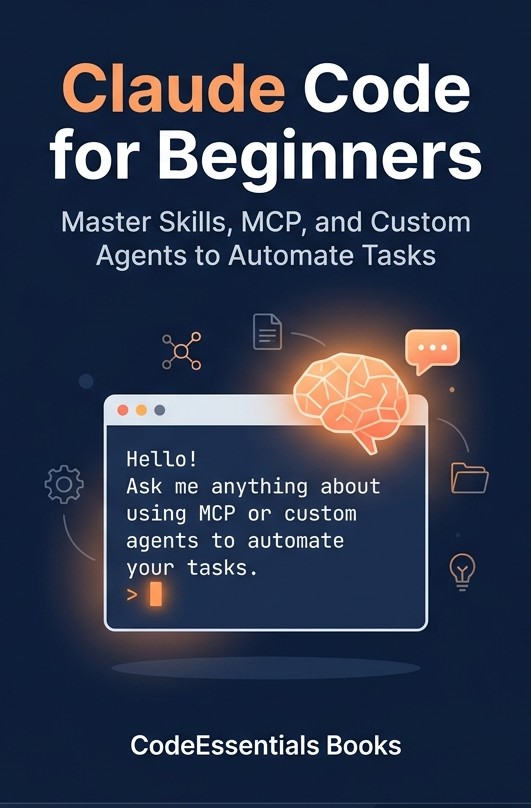
Claude Code is Anthropic's AI assistant that lives right on your computer and does real tasks for you. This beginner's guide takes you from a blank terminal to a confident, productive user — one clear step at a time.
What's in the free Prompt Toolkit
Copy-paste prompts
Ready-to-use prompts for Claude Code: get a safe first hour, draft and polish documents, answer questions from spreadsheets, build a one-page website, and tidy folders in bulk — no coding required.
Real-world use cases
Writing, research & data, websites & files, and automation — ten prompts each, plus a first-hour starter pack that keeps every step safe and reversible.
Session cheat sheet
The commands and habits that keep sessions fast, cheap, and focused: /clear, /compact, /context, plan-first prompting, and the review habit that acts as your seatbelt.
Send me the toolkit
Enter your email and we'll send the PDF straight to your inbox.
You're in — check your inbox 📬
We've sent the toolkit straight to your inbox. (Don't see it? Check your spam or Promotions folder.) Or grab it right here:
You're already on the list ✅
No confirmation needed — we've re-sent the toolkit to your inbox. (Don't see it? Check your spam or Promotions folder.) Or grab it right here:
We'll send the toolkit plus a short series of practical Claude Code tips. Unsubscribe anytime with one click. We never share your email.
Questions readers ask
Do I need to know how to code to use this book?
No. Claude Code runs in a terminal, which looks intimidating, but you give it instructions in plain English. The book starts at installation and walks you through a first task that is safe and reversible, then builds from there. No programming language is assumed anywhere in it.
What is actually in the free Prompt Toolkit?
Fifty copy-paste prompts grouped into five use cases — writing, research and data, websites and files, automation, and a first-hour starter pack — plus a session cheat sheet covering the commands that keep a session fast and focused. It is a PDF, it arrives by email immediately, and it costs nothing.
How is this different from the other Claude Code books?
This one is written for people who do not write software. The worked examples are documents, spreadsheets, folders and one-page websites rather than codebases, and every step tells you how to undo it. If you are a developer looking to speed up an existing engineering workflow, a book aimed at engineers will serve you better.
Should I buy the paperback or the Kindle edition?
Both contain the same text. The paperback is easier to keep open next to a keyboard while you follow along, which is how most readers use it. The Kindle edition is searchable, which helps when you come back to look something up. The free toolkit is included either way.
More from CodeEssentials Books
Every title is written the same way: plain language, real examples, and a free companion toolkit. See the whole catalogue.